The short answer: choose OLED for films in a dim room and deep blacks. Choose Mini LED for a bright room, a very large screen, or a television that stays on all day.
Two ways to make a picture
OLED pixels make their own light. Each can switch off completely, so black is genuinely black and contrast is effectively unlimited. Dark scenes look clean, with no pale glow around a bright object. The trade is brightness: a full white screen cannot go as bright as the best LCD panels, and a static logo left on for hours every day can leave a faint mark over years.
Mini LED is an LCD with a backlight split into hundreds or thousands of small zones. It can run very bright, which helps in a sunny room and makes highlights in games and sport stand out. The zones are still larger than pixels, so a bright star on a black sky can show a soft halo. More zones and better processing mean less halo, and the best sets handle it well.
Brightness in plain numbers
Brightness is quoted in nits. A good OLED reaches about 800 to 1,000 nits on a small bright patch and less across a full white screen. A good Mini LED can hold 1,500 nits or more over more of the picture. In a bright room with no blinds, that difference is easy to see.
Size changes the price. OLED becomes expensive quickly above 65in. Mini LED holds its value better at 75in and beyond, which is why very large sets often use it. The Pallas OLED comes in 55in and 65in. The Pallas Mini LED comes in 55in, 65in and 75in.
What you actually watch
Films, series and games with dark scenes reward OLED. Letterbox bars vanish into the frame and shadows keep detail instead of turning grey. Off-centre viewing also holds up, which matters if your sofa is wide.
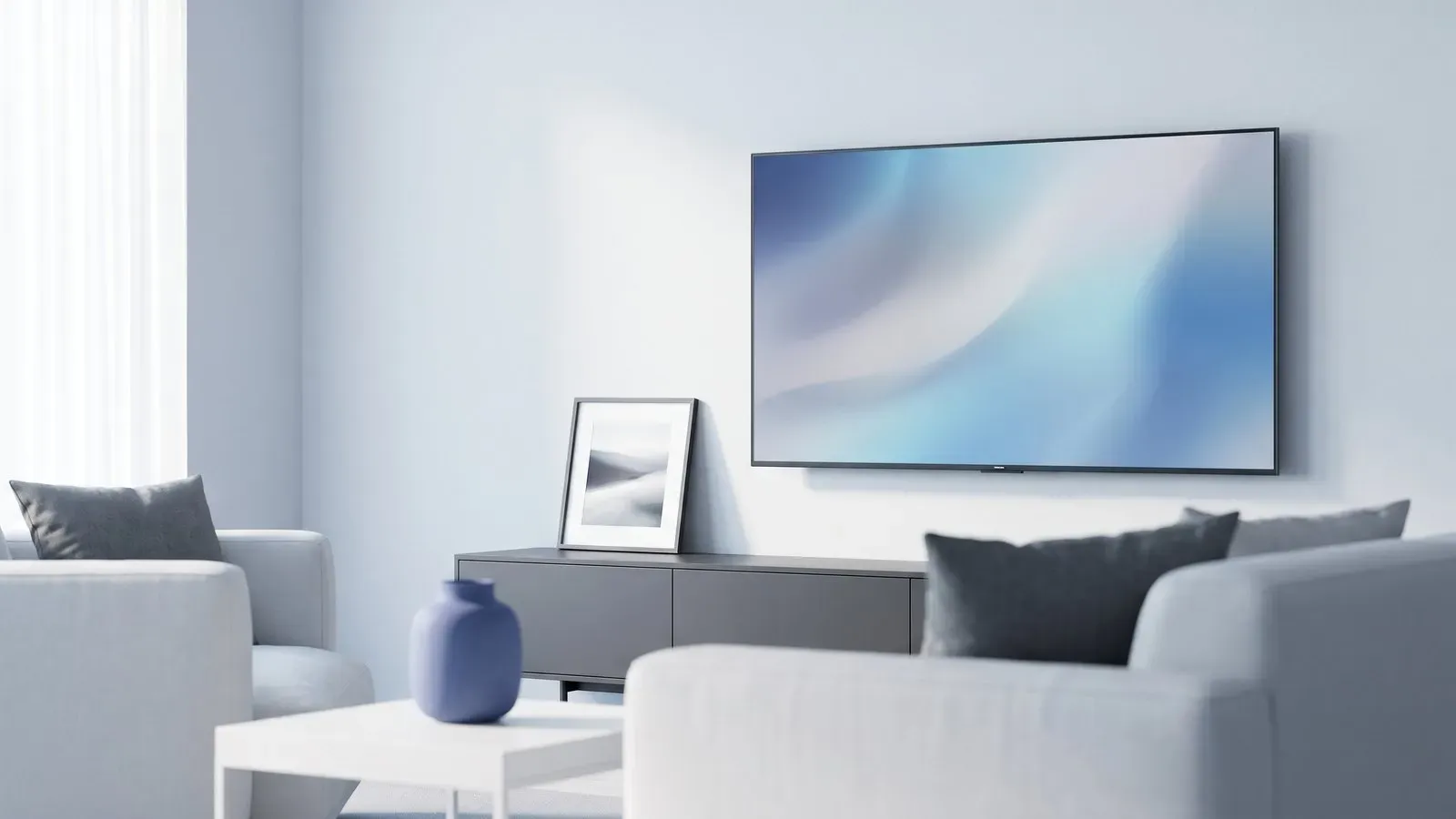
Daytime sport, rolling news and bright rooms reward Mini LED. A bright panel fights reflections and stays readable when sun falls on the glass. If the set runs for six hours a day with a channel logo in the corner, an LCD is the lower risk over a long life.
Viewing distance decides how much detail you can see. Sit about 1.5 to 2.5 times the screen height away for a mixed diet of films and broadcast television. Sit closer and a 4K panel earns its resolution; sit further back and a 55in set can feel small in a large room.
Sound and setup
Neither panel type fixes sound. Both are thin, and thin cabinets struggle with bass. A soundbar will improve a film more than another 200 nits will. Check the height of the stand and the depth of the cabinet before you commit, because a large set on a low unit can look wrong and block a socket.
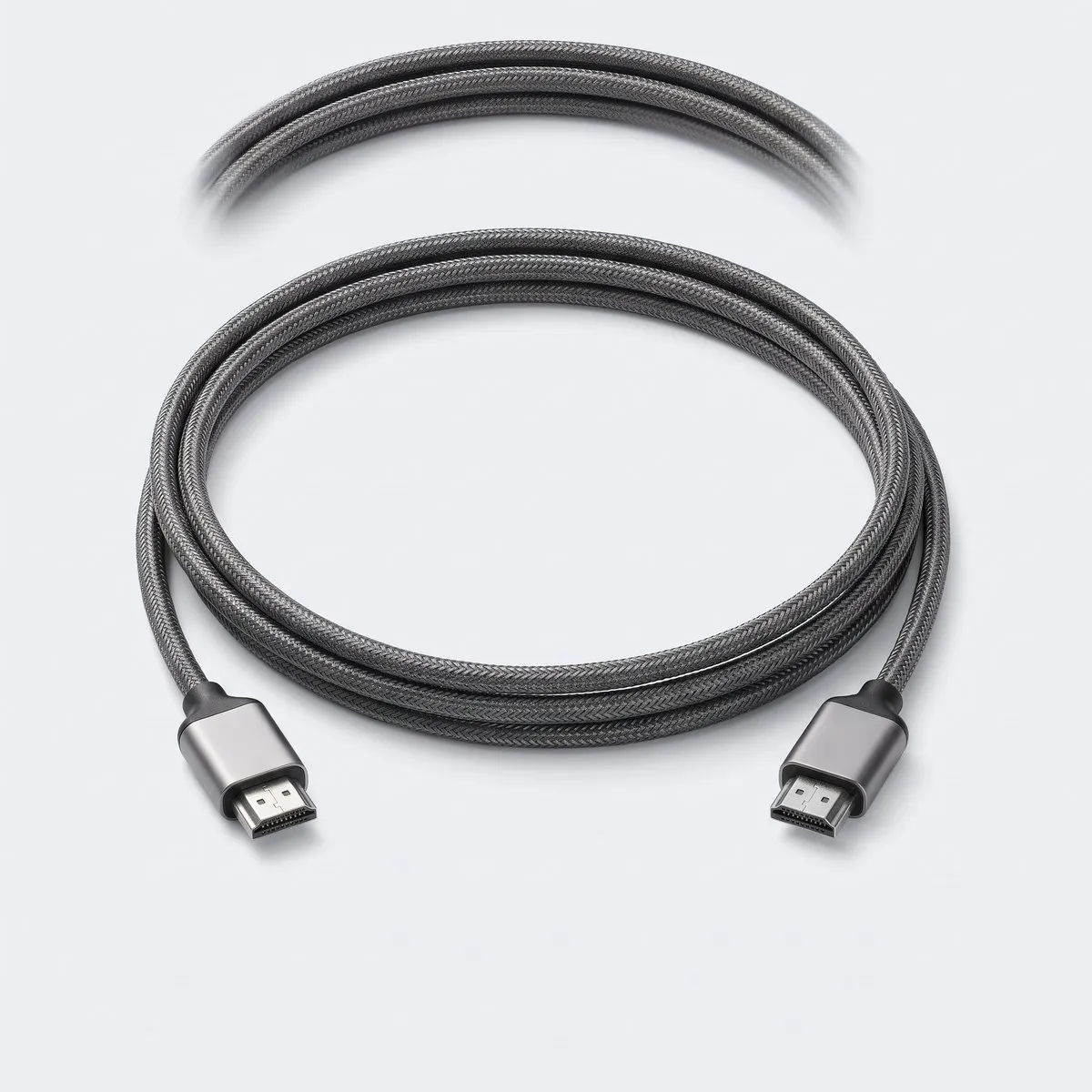
Also check the connections. You want at least three HDMI inputs if you use a console, a streaming stick and a disc player. One input with the highest refresh rate is normal, so put the console there. If you game, look for 120Hz at 4K on that input; a set limited to 60Hz at 4K still looks good, but it will not make the most of a current console.
- Measure the wall and the viewing distance.
- Note how much daylight reaches the screen.
- Compare full-screen brightness, not only peak nits.
- Ask how many dimming zones a Mini LED has.
- Budget for a soundbar in a large room.
- Confirm the stand fits your furniture.
Both technologies are good. Your room and your habits decide more than the label on the box.