The short answer: start with a plug and a bulb, add a camera if you want one, and skip the hub. A useful first set costs £60 to £100 and runs over your existing Wi-Fi.
Build up in the right order
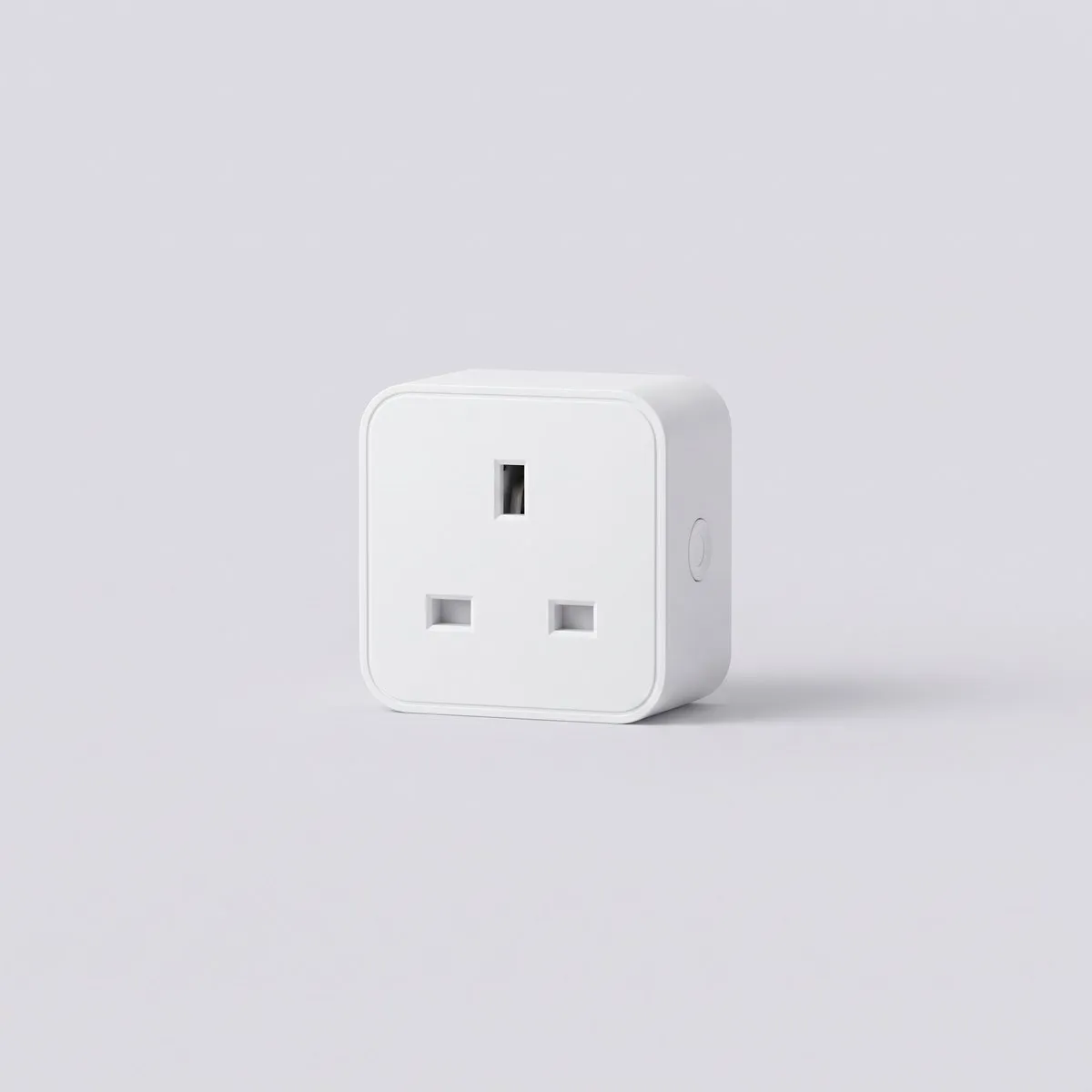
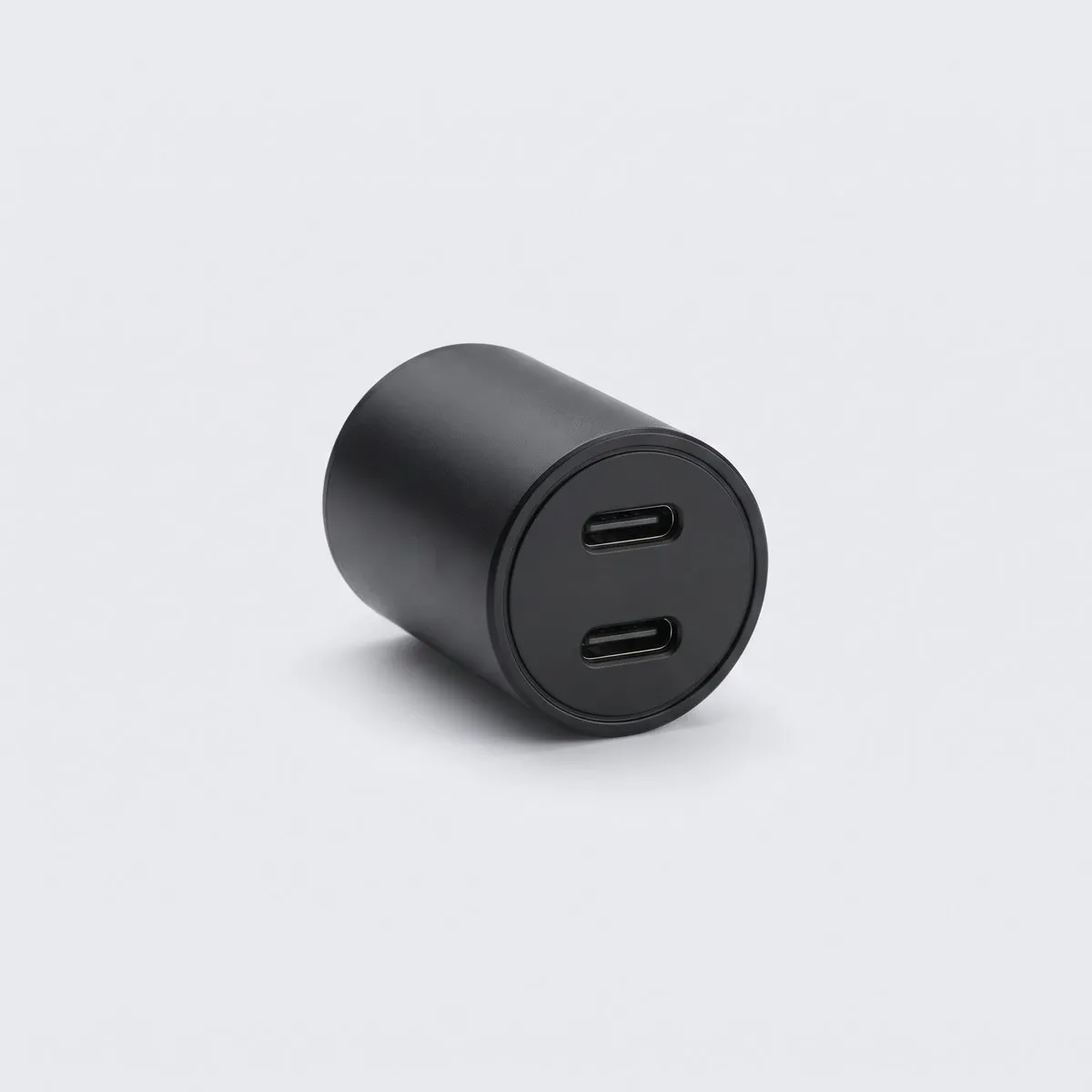
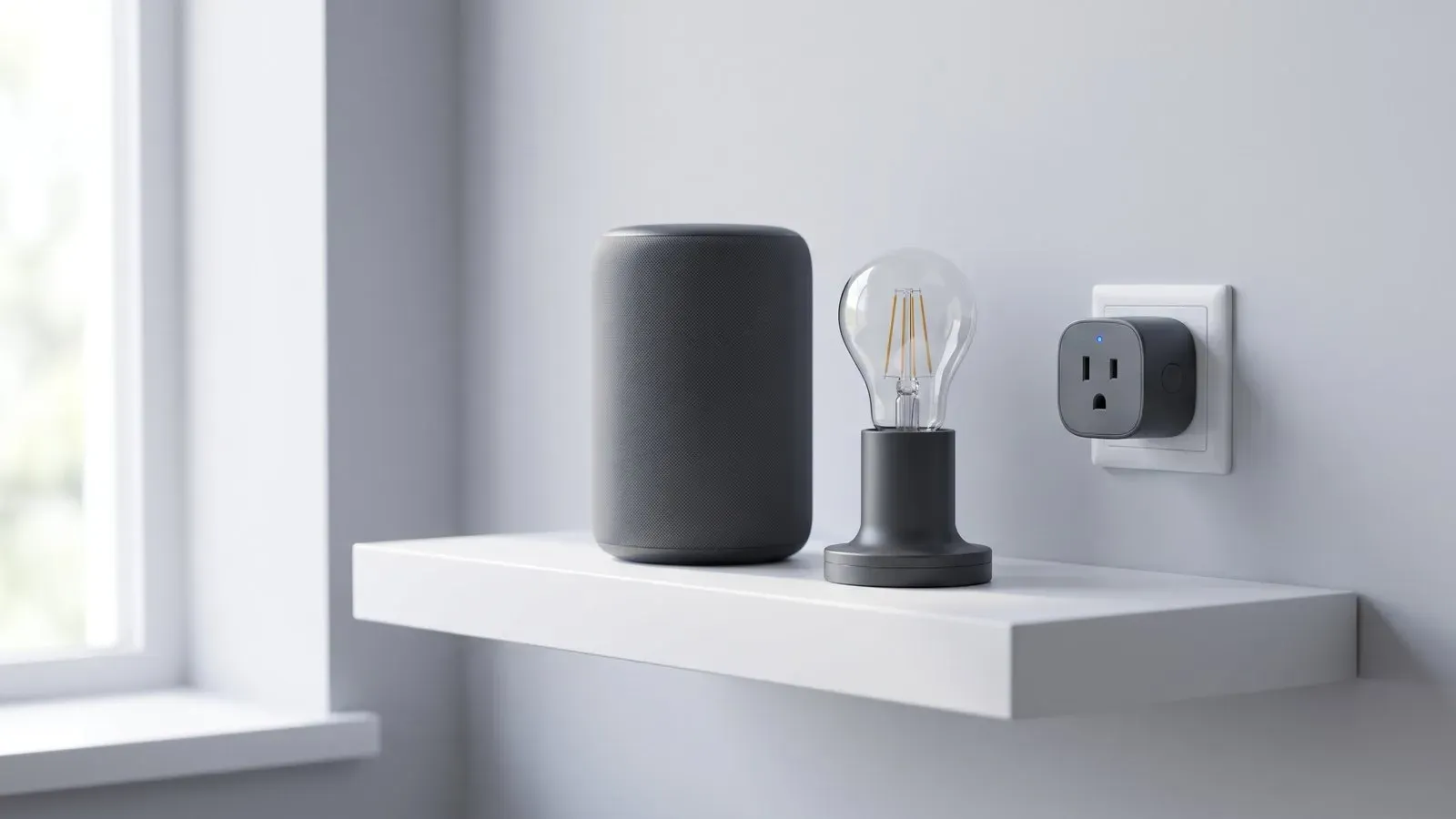
A smart plug is the cheapest useful device, around £15. It turns a lamp, a fan or a heater into something you can schedule, and it shows you whether the app and the network are reliable before you spend more. The Holm Smart Plug is £15 for one.
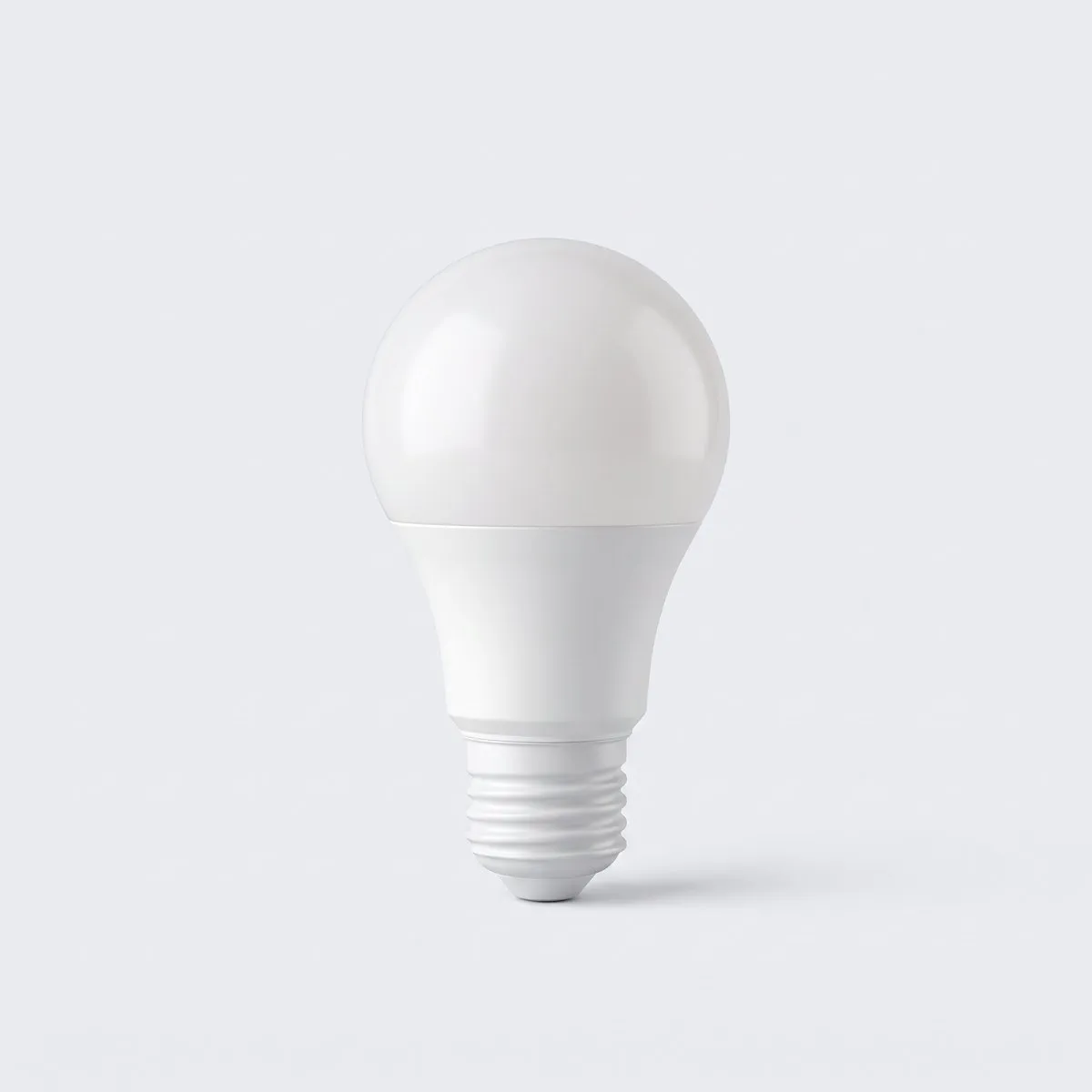
Next comes light. A colour bulb costs about £19 and does more than change colour: it can dim, warm up in the evening and switch itself off. One bulb in a lamp you already own is enough to test whether the routine suits you.
A camera is the biggest step. An indoor model around £39 covers a hallway or a pet, and a doorbell around £119 adds a view of the path. Both depend on Wi-Fi that reaches the front door, which is often the weakest point in a house.
Do the arithmetic
The Smart Home Starter Kit bundles a speaker, a plug, a bulb and an indoor camera for £99. Bought separately those four items come to £122 at list price, so the kit saves £23 and gives you a working system in one box.
If you already own a speaker, spend the £99 on a plug, a bulb, a camera and a door sensor instead. Sensors are cheap and make routines more useful than another voice command.
Think in routines rather than devices. A lamp that comes on at sunset, a plug that switches off the iron at 10pm and a camera that records when the door opens are three small jobs that save attention every day. Each one should replace a decision, not add an app to check.
Wi-Fi first, hub later
Most budget devices connect straight to a 2.4GHz Wi-Fi network. That band travels further through walls than 5GHz, which is why it is still used for small sensors. Check that your router offers a 2.4GHz network and that the password has no unusual characters that the setup app rejects.
You do not need a hub for a handful of plugs and bulbs. A hub earns its place when you have 20 or more devices, or when you want buttons and sensors that talk to each other without the internet. For a first system, keep it simple.
Privacy and safety
Change the default password, turn on two-factor authentication where the app offers it, and keep the firmware updated. Put cameras on a guest network if your router supports one. Point outdoor cameras away from a neighbour's window, and tell anyone who lives with you that they are there.
For heating, a smart thermostat is a bigger job and a bigger bill. A £179 thermostat can pay for itself, but only if the house is insulated and the schedule matches how you actually live. Do the cheap devices first.
Check what happens when the internet drops. Plugs with a physical button still work by hand, and bulbs can usually be switched at the wall. Anything that depends on a cloud service is only as reliable as your broadband, so keep the important lights on ordinary switches too.
- Check the app works on your phone before you buy.
- Confirm 2.4GHz Wi-Fi reaches the room.
- Count the devices your router can hold.
- Set a schedule you will keep, not a perfect one.
- Change default passwords on day one.
- Keep the receipt and the box for the warranty.
A small, reliable system beats a large, fragile one. Buy two devices, live with them for a month, then add more.