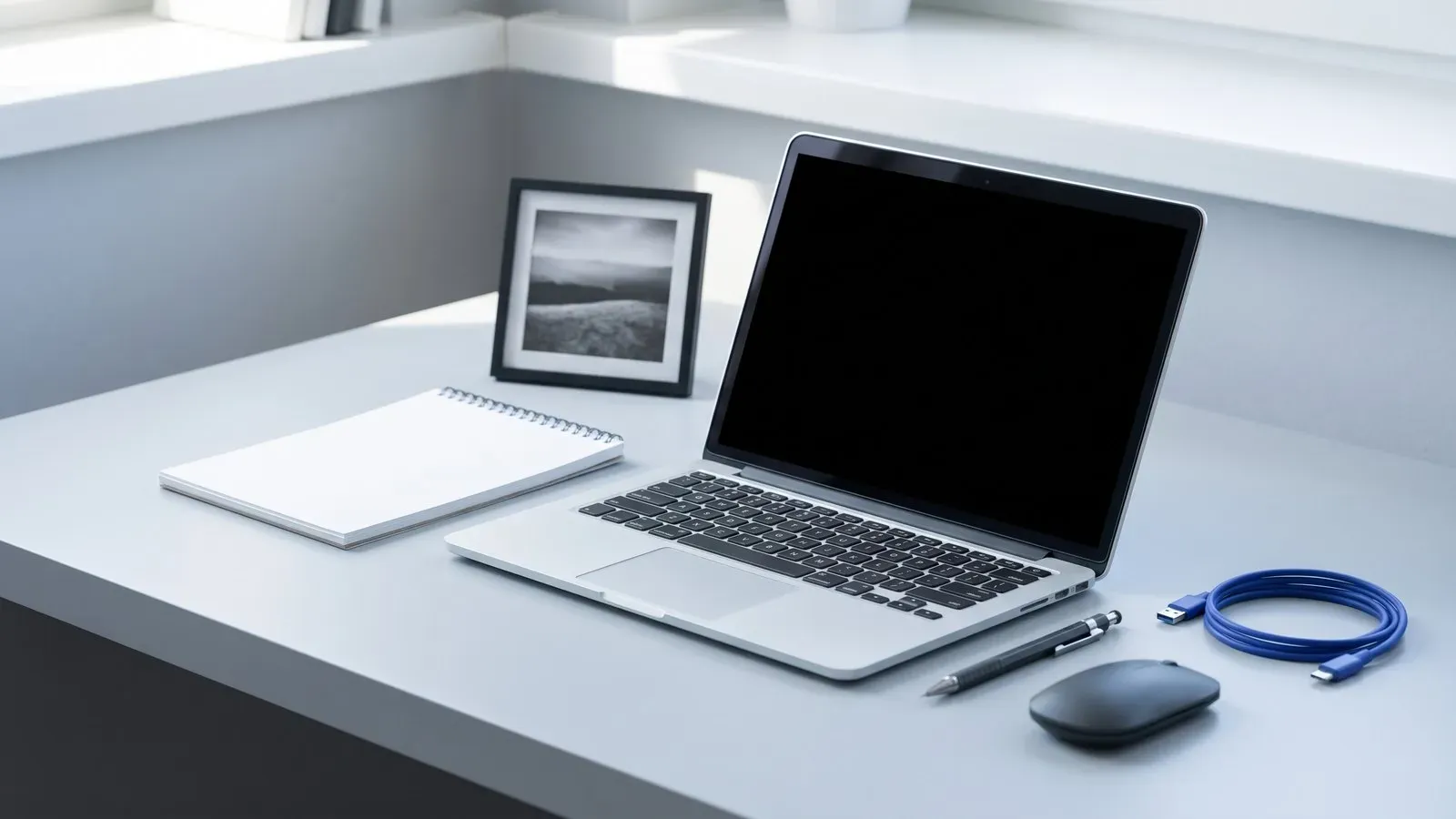
The short answer: choose 14in unless you already know you need something else. It is the size most people keep using after the novelty wears off.
What each size is for
A 13in laptop is built to be carried. Most weigh between 1kg and 1.3kg, slip into a small rucksack and run for a full working day. The trade is a narrower screen, so two documents side by side feel cramped and toolbars eat the width.
A 14in model adds roughly 2cm of width and 1cm of depth. That sounds small and it is. The screen feels meaningfully larger, the keyboard often gains a column and the weight penalty is frequently under 200g. The Halden Air 14 is 1.1kg, has a 14in 2.8K screen and runs for up to 21 hours, which shows how little you give up. A 15in model sits between the two camps and is worth a look if you want a number pad without a large footprint.
A 16in laptop is a desktop that folds. It suits video editing, 3D work and spreadsheets that run past 20 columns. It also weighs 1.8kg to 2.5kg, needs a larger bag and usually lasts less on battery, because a bigger screen draws more power for the same brightness.
Look at the footprint
Screen size is measured diagonally, so two 14in machines can differ in width by more than a centimetre. Check the actual dimensions and the weight, not only the diagonal. Narrow bezels let a 14in panel sit inside a body that used to hold 13in.
Resolution matters as much as the extra inch. A 1920 by 1200 panel is sharp enough for documents on 14in. A 2.8K panel is better for photo work and small text, but it also draws more power, which is why battery figures differ between models with the same screen size.
Type on it first
Keyboard layout is where small machines give ground. A 13in chassis often shortens key travel or drops the number pad. A 16in chassis has room for both, plus louder speakers and better cooling.
Count the ports you use in a normal week. Two USB-C ports and a headphone jack cover most people. If you need a card reader, an external drive and a monitor at once, a 14in laptop with a hub is still lighter than a 16in laptop with everything built in. Check that the USB-C ports support charging and video, because not all of them do.
Match it to your day
If you commute by train and write for a living, 13in or 14in is the sensible choice. If the laptop lives on a desk and replaces a desktop, 16in earns its weight. Students usually land on 14in, because it handles a lecture, a train and a late essay without complaint. If you spend most of the day on an external monitor, the built-in screen matters less and the smaller machine is the better buy.
Check the warranty and the repair route before you decide. A two-year cover that repairs or replaces is worth more on a laptop you carry every day than a slightly faster processor. Ask how long a battery replacement takes, because that is the part most likely to wear out first.
- Measure your bag before you choose a size.
- Weigh the laptop with its charger, not on its own.
- Check the screen resolution as well as the diagonal.
- Confirm the ports you use every day.
- Read the battery figure for the exact model and screen.
Every laptop is a set of compromises. Fourteen inches is the compromise most people notice least.